Backups
The Backups screen offers a comprehensive backup solution for your website.
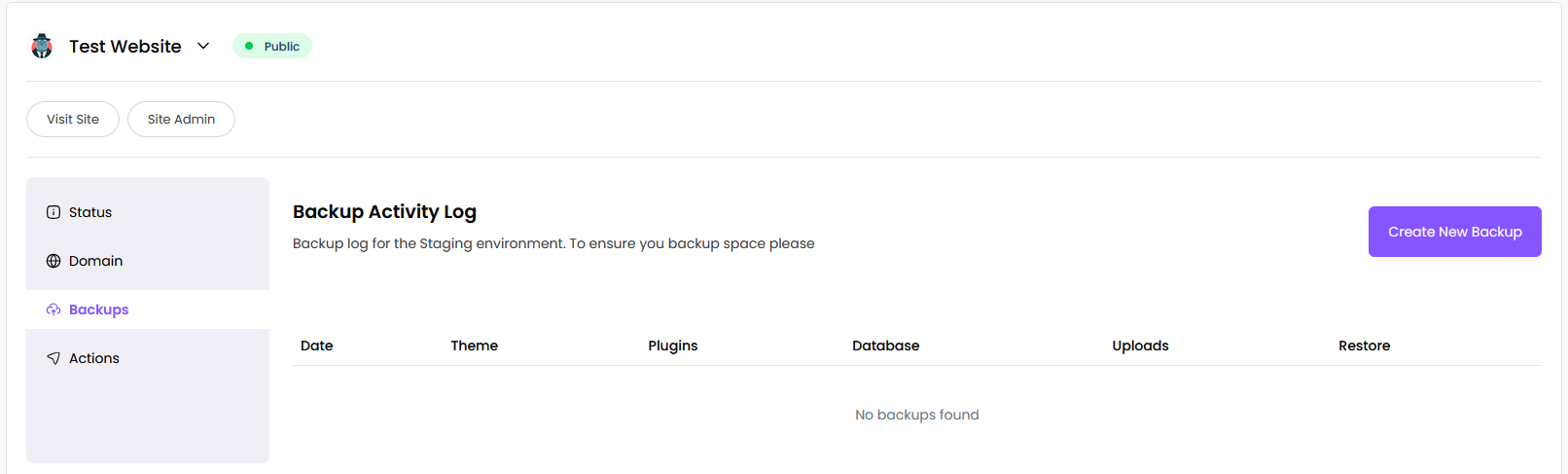
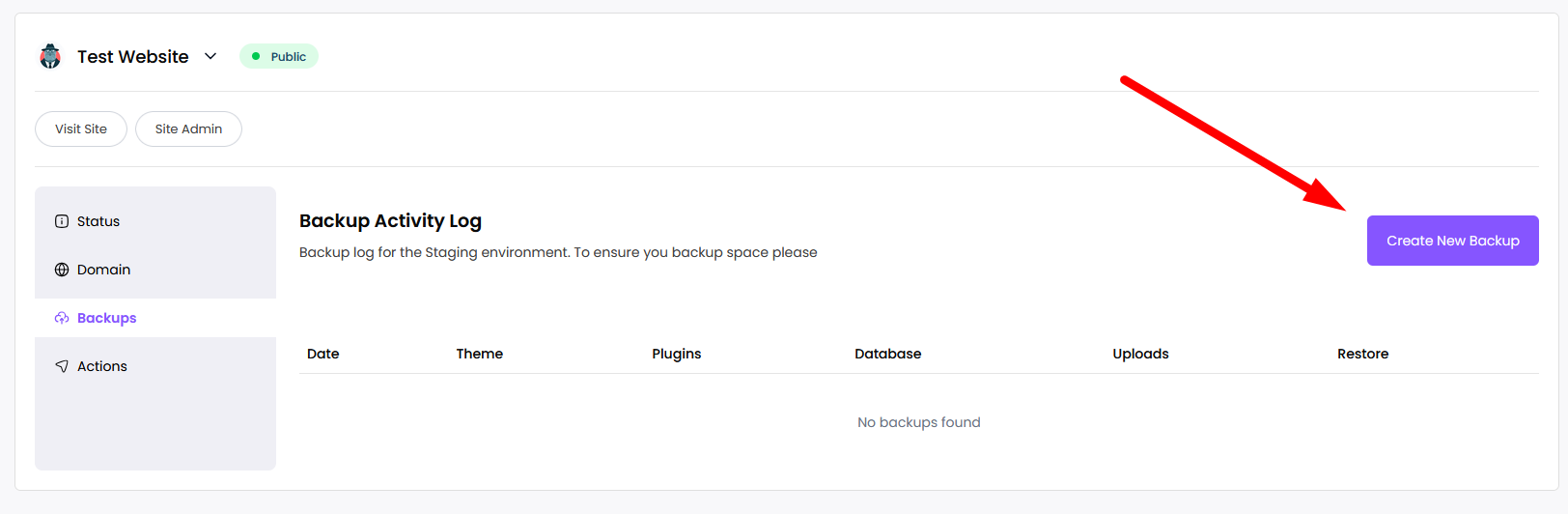
To create a backup, click Create New Backup.
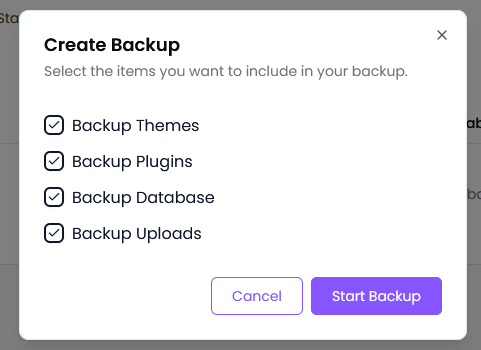
Choose what to back up in the popup, then start the backup.
After starting, your backups will appear in the list.
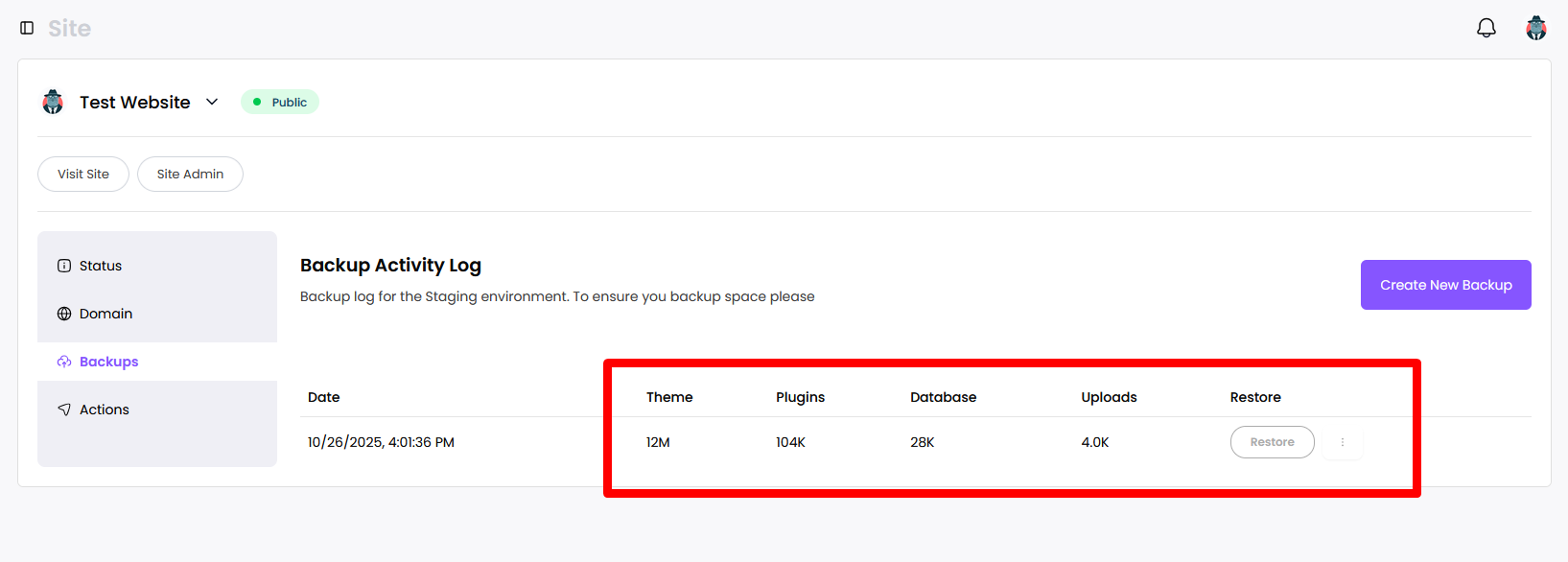
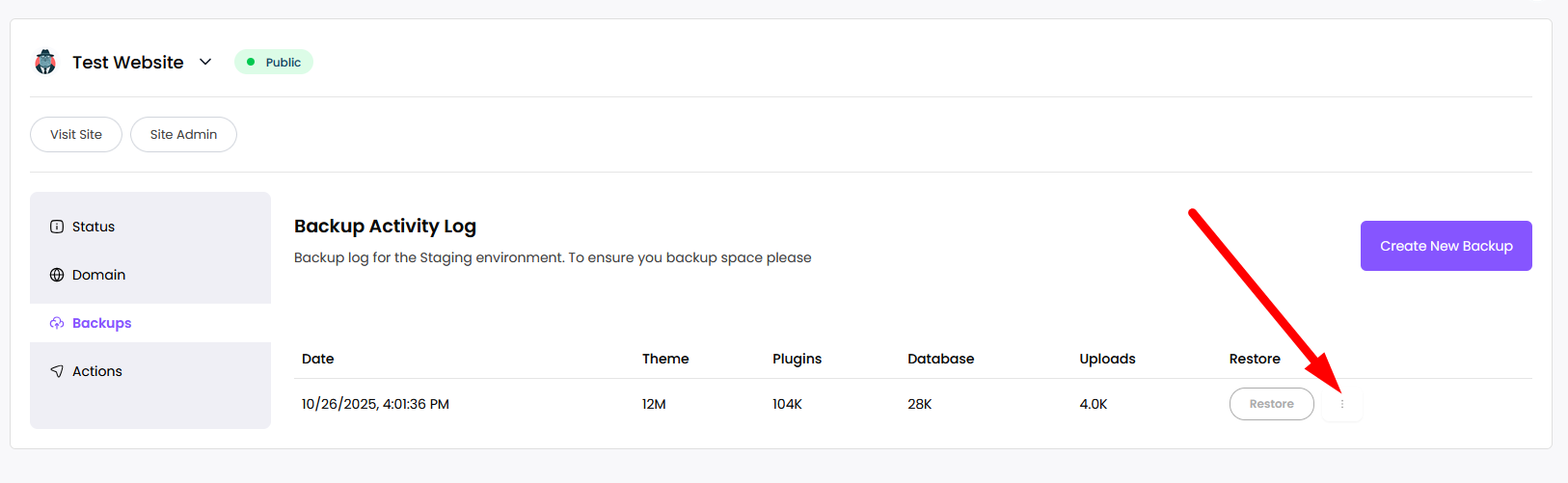
To restore a backup, click Restore.
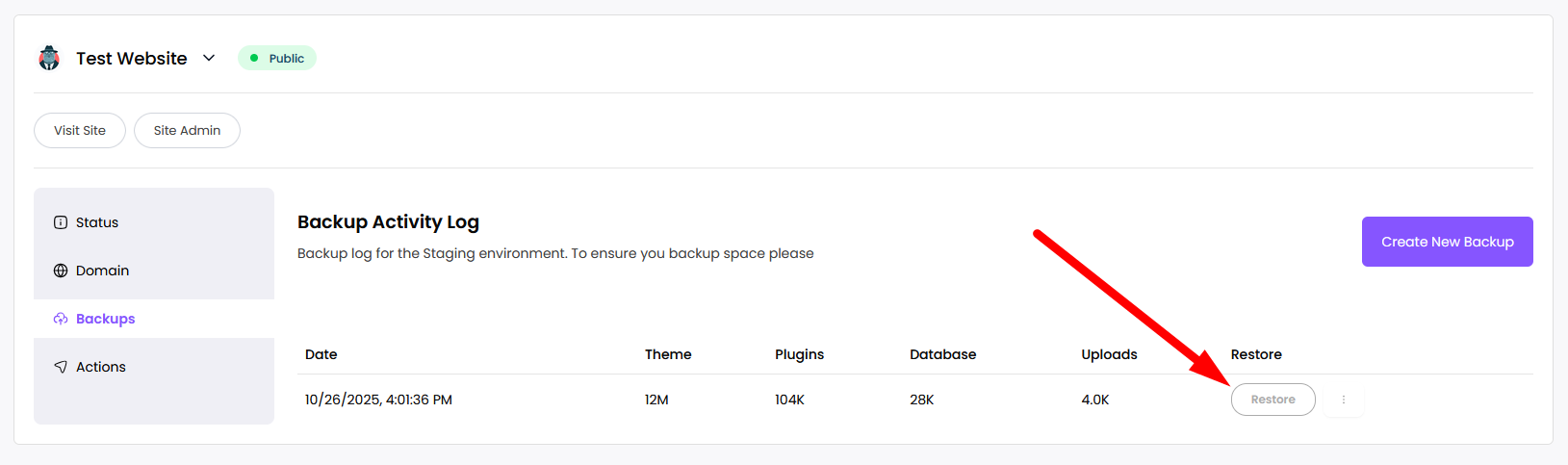
To delete a backup, click the three vertical dots next to Restore and choose Delete.