Create a New Site
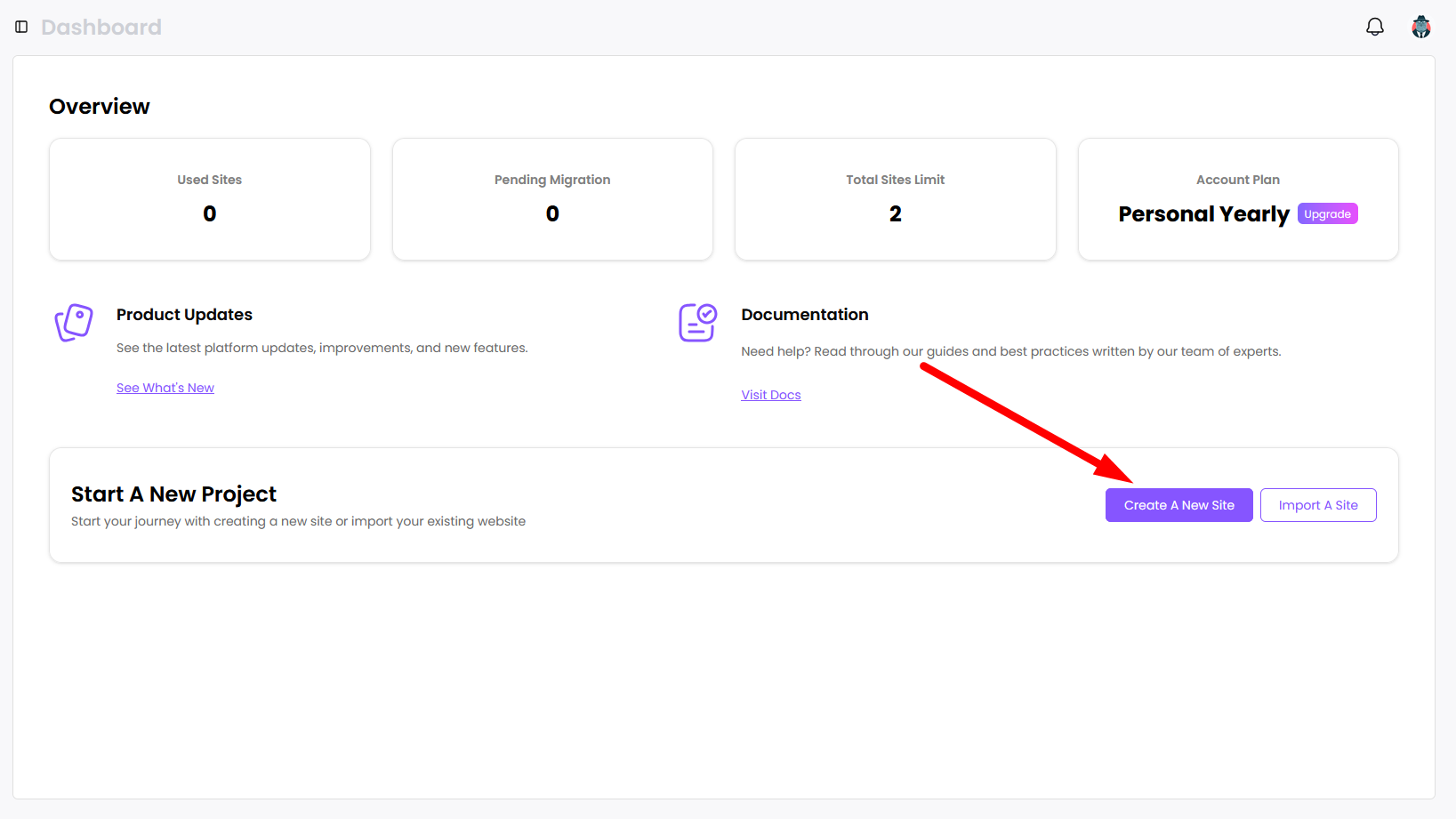
To create a new site, click the “Create A New Site” button on the dashboard.
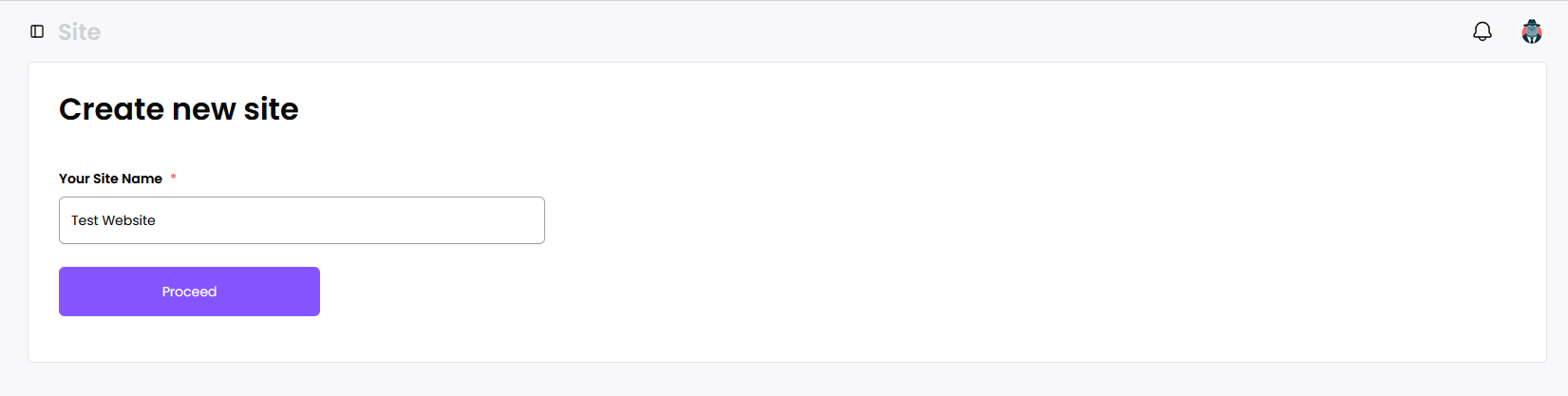
Enter the name of the site. This is purely for reference and will not affect your site.
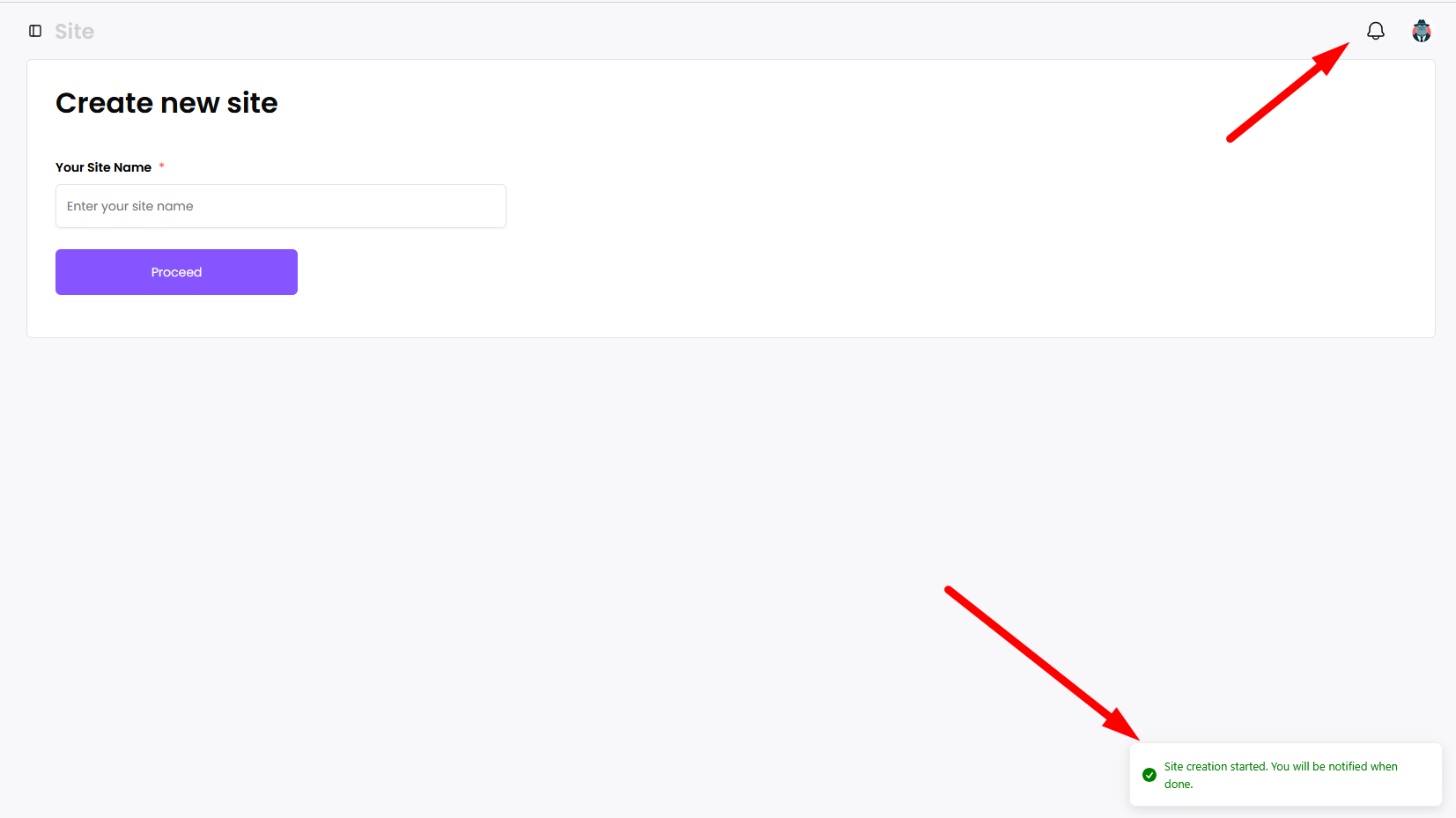
Once you name a site and click proceed, you will see a toast. When the site is created, you will see a notification by the bell icon.
Once you see the notification, your new site is created successfully.